How commercial roadside assistance works.
A tractor-trailer down on the shoulder is not a car with a flat. Road Rescue Network runs one connected platform between the driver who is stuck and the heavy-duty operator who does the work. Here's exactly what happens from the moment a request comes in to the moment the job closes.
Driving a car, SUV or pickup? Here's roadside assistance for passenger vehicles.
Two sides of the same job on the same platform. Request, match, dispatch, track, settle. Nothing happens over the phone or in a spreadsheet. Nothing falls through a crack.
Truck roadside assistance, request to resolved.
What happens when a driver or a fleet manager submits a request, from the ring of the phone to the invoice in the portal.
Request commercial roadside assistance
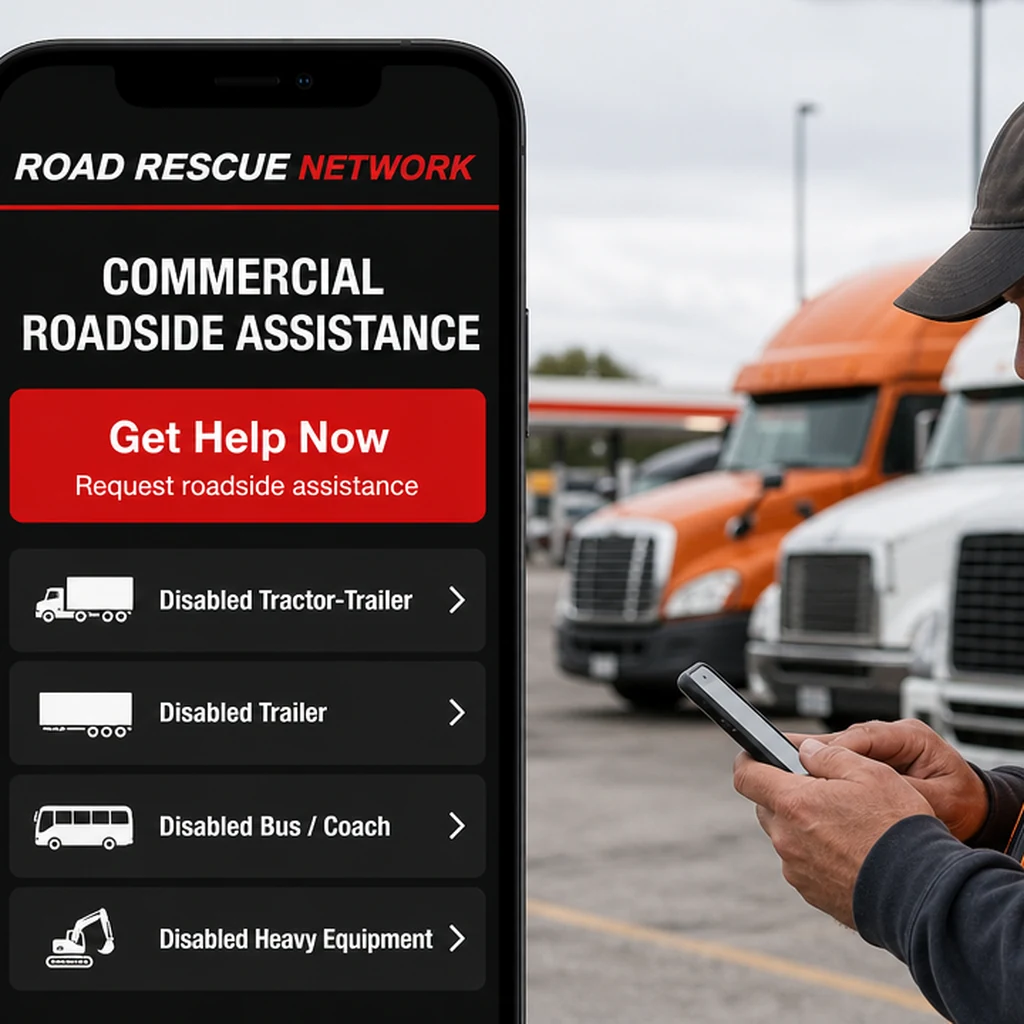
Call the 24/7 dispatch line, submit through the directory, or, for fleet accounts, open the business portal and request service with one click. The first screen asks what went down: disabled tractor-trailer, disabled trailer, bus or coach, heavy equipment. Every intake captures vehicle, location and service type in structured data from the first second.
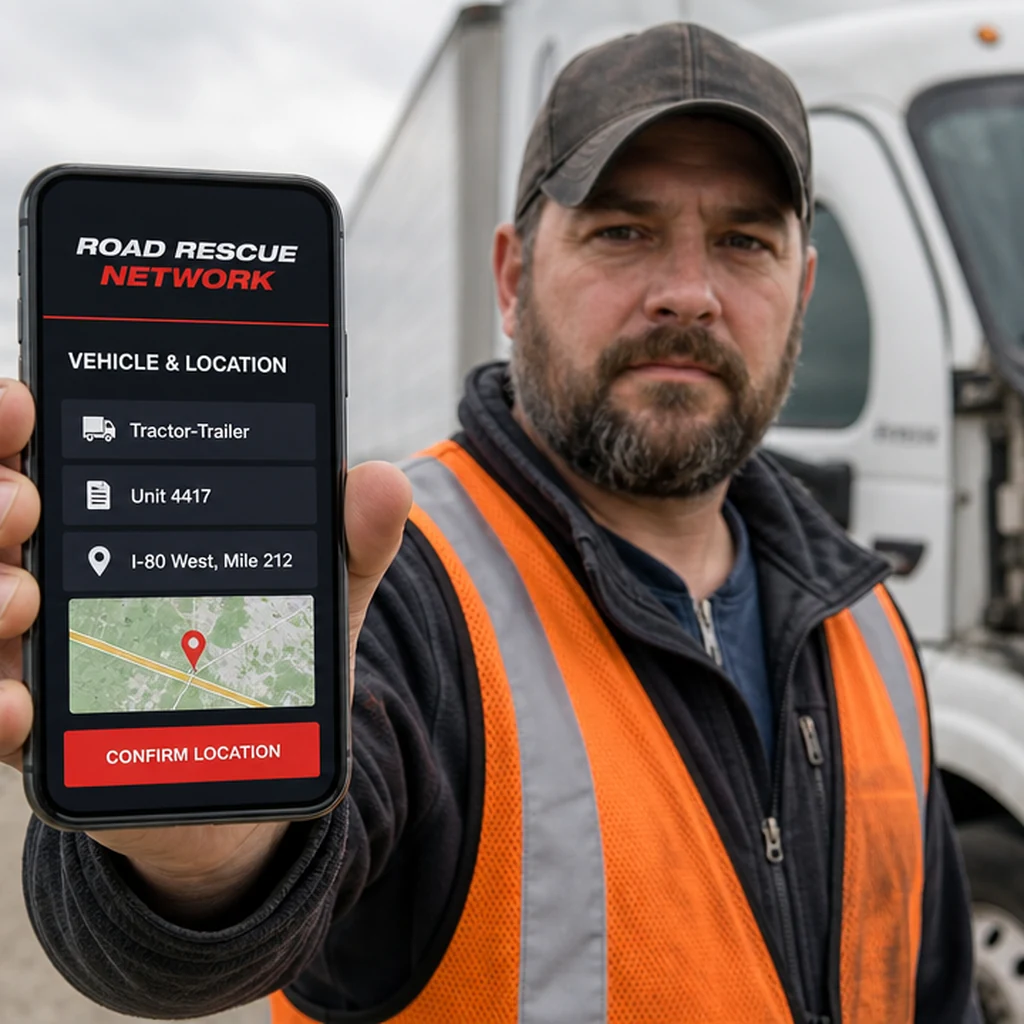
Share the truck and the mile marker
Tractor or trailer, unit number, problem type, and exactly where the truck is sitting: GPS, mile marker and direction of travel, or the cross-street in a yard. Add the specifics that decide which truck rolls, like whether it is loaded, whether it is a reefer, or whether the shoulder is wide enough to work on. Fleet accounts prefill it from the vehicle record.
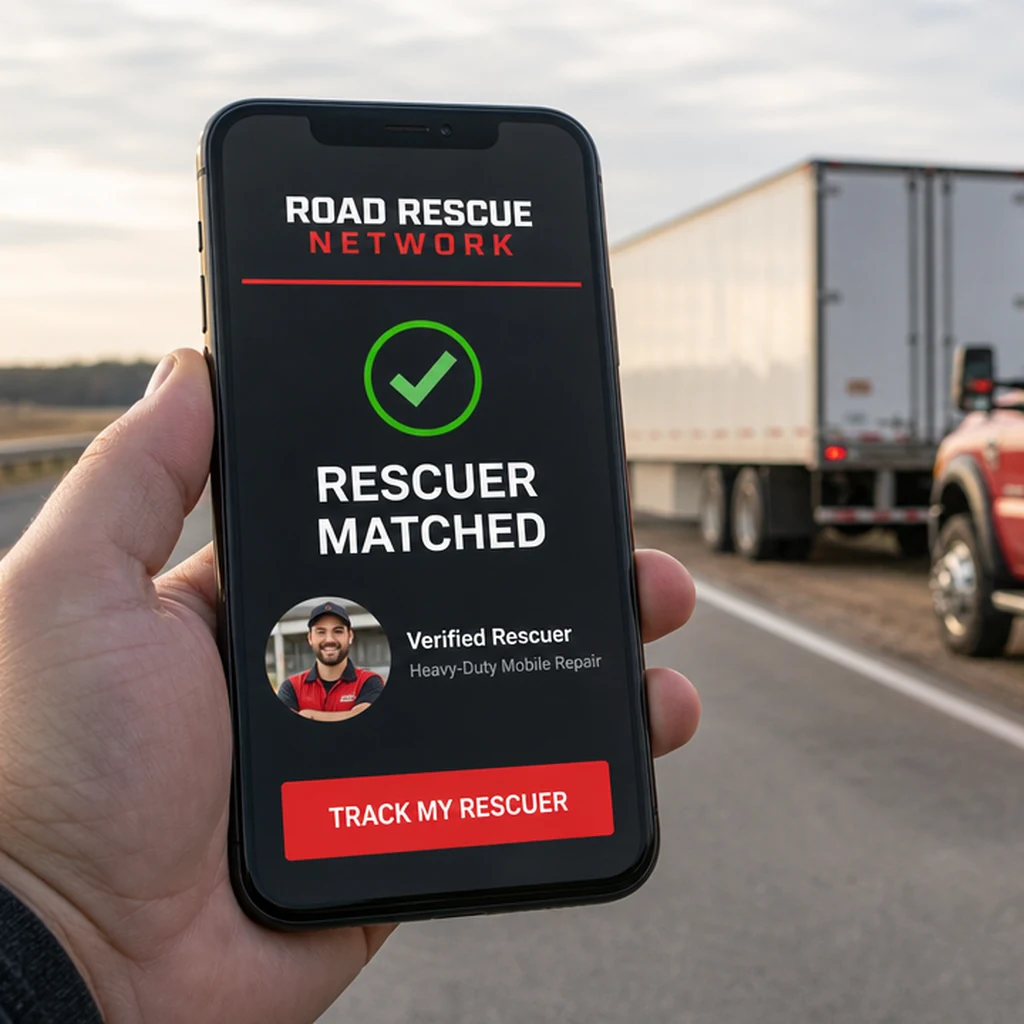
Match with the nearest verified rescuer
The request routes to the nearest qualified operator in your area, filtered by service class, vehicle compatibility and current availability. A light-duty wrecker never gets offered an eighty-thousand-pound recovery. For priority zip codes, operators who bid for placement rank first; quality and completion rates still factor in.
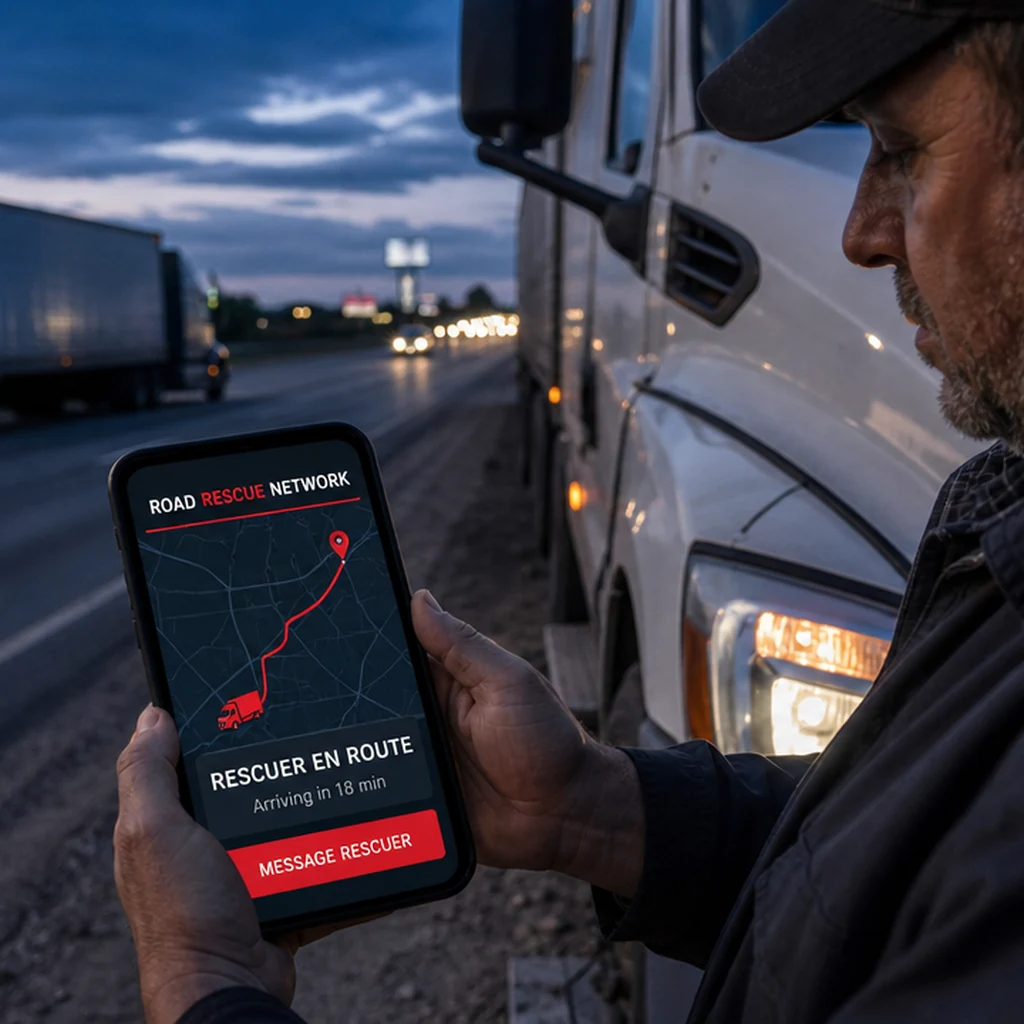
Track the rescue in real time
Live GPS tracking of the operator as they roll to your location. The arrival estimate updates itself as they move. Direct messaging with the rescuer from the portal, so the driver can tell them which side of the median he is on. No more "where are you?" phone calls or waiting without information.
Receive service and settle the job
Payment collected securely through the platform: card, ACH, or fleet net terms. Digital invoice, signed work order, and service record land in your account automatically, which is what your safety department and your insurer are going to ask for. Optional rating for the rescuer closes the loop.
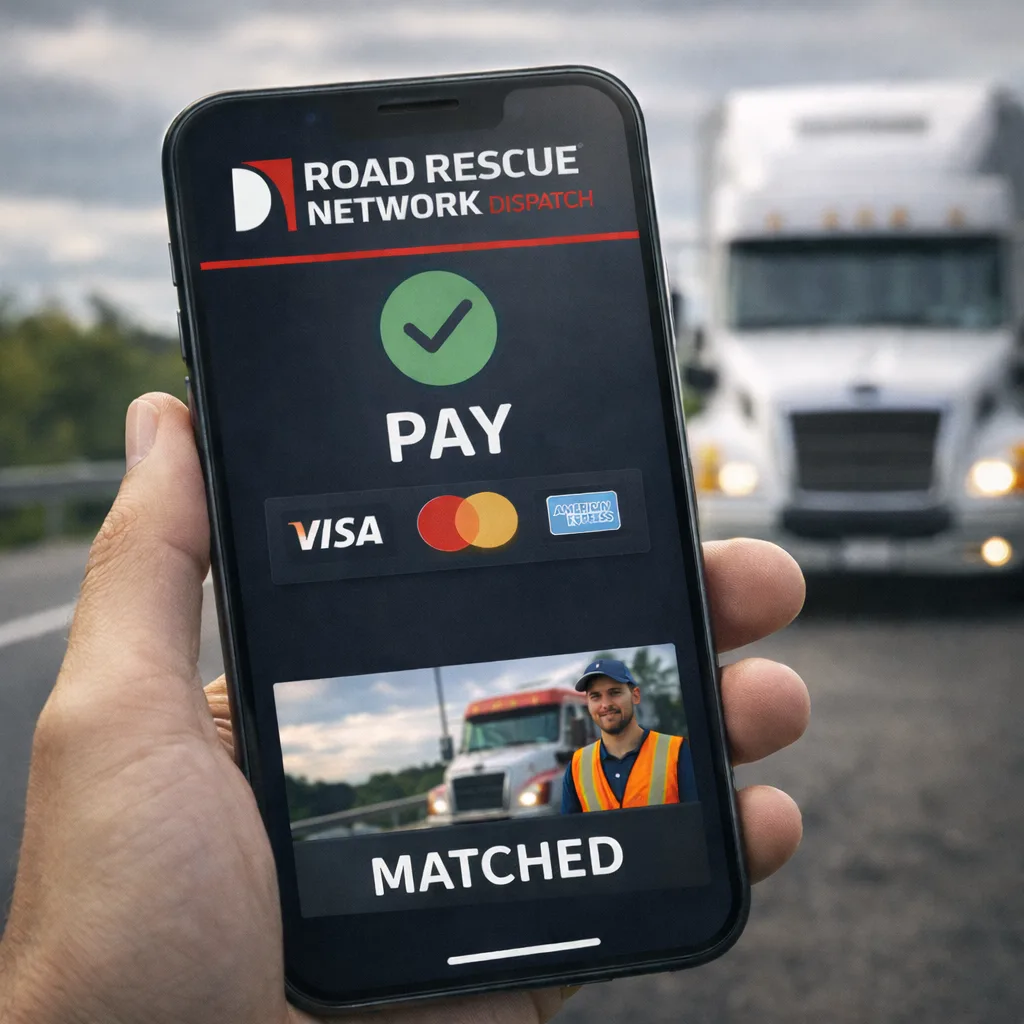
From dispatch to deposit.
What happens when an operator receives a request, from the push notification on the phone to the money in the bank.
Dispatch lands on your phone
Push alert hits your operator app within seconds of the request. Full job details (vehicle, service, location, customer context, expected price) on the lock screen before you open the app.
Accept or decline in one tap
If you accept, the job is yours. Dispatch app locks it to your truck and opens turn-by-turn navigation. If you decline or don't respond, the job auto-routes to the next nearest qualified operator. No awkward call-arounds.
Navigate to the scene
GPS routing with live traffic. Customer sees your truck move in real time through their tracking link. ETA updates automatically. Direct messaging if the driver needs to communicate something.
Complete the job on site
Capture photos, notes, customer signature, and service details in the app. Pre-job and post-job photos get geo-tagged and timestamped automatically for dispute protection and insurance records.
Get paid, no chasing
Payment already collected before dispatch routes to your connected Stripe account. No invoicing, no collections, no aging receivables. Reconciliation feeds directly into your accounting stack.
The platform handles it.
A traditional roadside job touches a dispatcher, a driver, a bookkeeper, an accounts-receivable clerk, and a customer-service rep, each with their own system, their own workflow, and their own chance to drop the ball. The platform replaces all of it.
- Matching the right operator to the right breakdown in real time
- Collecting and securing payment before the truck rolls
- Tracking the job from dispatch to completion
- Generating the invoice and delivering it to the customer's account
- Routing money to the operator via Stripe, same business day
- Logging every step for insurance, DOT, and fleet reporting
- Collecting and attaching the customer rating to the operator's record
- Auto-routing if the first operator declines, no phone tag
How fast is the platform, really?
From the moment a request is submitted, the first qualified operator in the area gets the dispatch alert within 60 seconds.
In major metros and major highway corridors, average response time from request to operator on-scene is under 25 minutes.
Nationwide, across all terrain types and service classes, average response time is under 45 minutes from request to on-scene.
The mechanics, in your words.
Average response time is under 45 minutes nationwide. In major metros and major highway corridors it typically averages under 25 minutes. Rural and remote stretches may take longer, but the platform tells you the honest ETA before you commit, so you know what you're agreeing to.
The platform auto-routes to the next nearest qualified operator within 60 seconds of a decline or non-response. You don't have to re-request, re-explain, or start over. The round-robin continues until a qualified operator accepts, typically on the second or third route in busy corridors.
Yes. Fleet accounts can tag operators as preferred vendors from their dashboard. When you request service in that operator's coverage area, they get priority routing. You can also block operators you don't want dispatched. Both settings are controlled from your fleet portal.
For most services, payment is authorized on card before the operator dispatches, so both you and the operator know the job is committed. For enterprise fleet accounts with net terms, the job runs on invoice and payment settles per your contracted cycle. Operators receive funds directly to their Stripe account; the platform never holds operator revenue.
Every job is logged with photos, GPS, timestamps, and message history. If there's a dispute, the record gives both sides (operator and customer) the evidence they need. The platform's support team mediates when necessary. Rare, but when it happens, the data trail makes resolution fast.
Not for a one-time call. The 24/7 dispatch line and directory search are free to use without an account. A free business account adds saved vehicles, service history, preferred-vendor tagging, and dashboard reporting. Fleet accounts use the portal for every request going forward.
The truck rolls, and the paperwork is already done.
By the time the driver shakes hands and climbs back in, the work order is signed, the photos are attached, the invoice is issued and the operator has been paid. Nobody has to chase anybody next week.
Call the dispatch line or search the directory.
Dispatching 24 hours · 7 days a week